Labelling recordings
Access
To access the Story Editor the user must be authorised by inserting the user into the auth_user_roles table and setting the mgnn_admin column to TRUE.
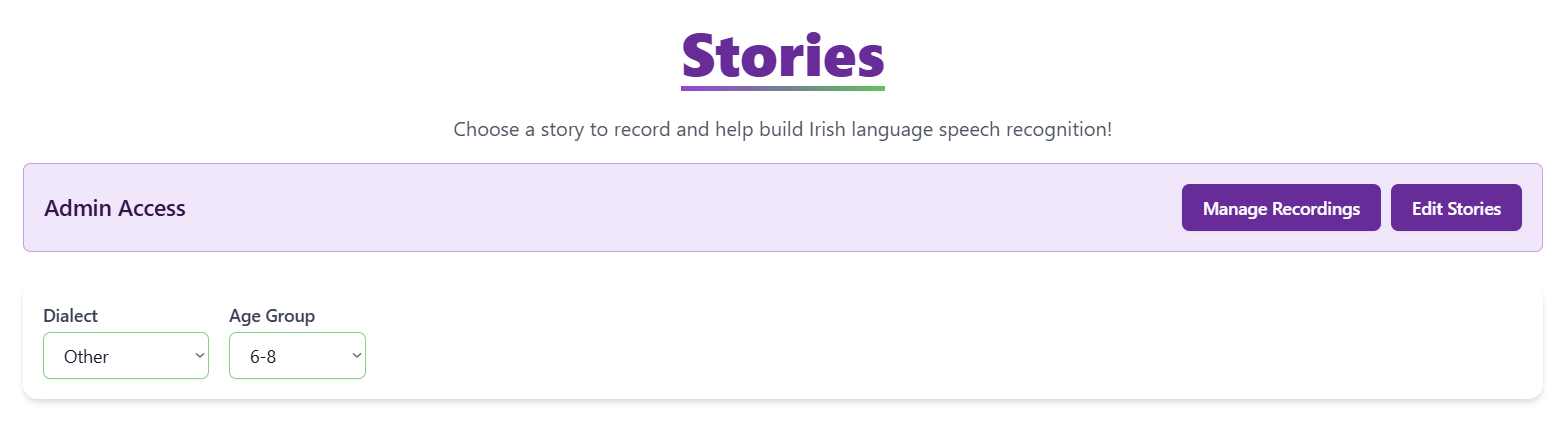
Once the user is authorized they will see this panel in the dashboard.
Approval/Rejection
Since this is a crowdsourcing project, anyone can create a recording. Not all recordings will be vible data. Some might be empty or gibberish which may impair the trining process of the synthesis and recognition models.
The project provides an easy-to-use interface for rejecting or approving the
Automatic approval
On top of the manual approval, we are using our current recognition to automatically approve utterances which can be detected by the recognition. This way we can minimise the amount of work that needs to be done by lab members to manually verify whether the recording is accurate or not.
This is automatic approval is triggered each time a new recording is uploaded to mgnn_recordings The trigger calls a webhook, which calls an edge function that passes the recording into our recognition model and then compares the recognised string against the expected string for that story segment. Note that the check is insensitive to punctuation and whitespace for better accuracy.